Rust Server RAM Calculator
Estimate the memory your Rust server needs from its map, players, wipe cycle and plugins, and watch it grow through the wipe.
Map size
Wipe cycle
After 7 days of wipe, expect about
10.0GB

Rent at least 12 GB
Pine Hosting, Servycore's hosting partner, rents Rust servers from 8 GB, with custom plans above that. Oxide or Carbon in one click, DDoS protection included.
- World and map
- GB
- Entities
- GB
- Players
- GB
- Plugins
- GB
Memory climbs through the wipe as players build: about 122,000 entities by the last day.
servycore.io/tools · Rust · rev. Oct 2026
How the estimate works
The calculator runs in your browser, from the numbers you pick. It adds up four parts, then follows them day by day through the wipe:
- World and map: 3 GB for the server itself, plus about 250 MB per square kilometre of map. A 3500 map is 12.25 km², so a little over 6 GB before anyone joins.
- Entities: the map starts with about 5 entities per 1,000 m² (ore, barrels, crates, collectibles, animals). Players then add up to about 1,200 each over a wipe, most of it in the first ten days. We count about 22 KB per entity.
- Players: about 10 MB per player online at peak.
- Plugins: about 200 MB for Oxide or Carbon once you run plugins, plus 8 MB for a light plugin, 20 MB for a typical one and 45 MB for a heavy one.
The "rent at least" figure takes the last day of the wipe, adds 15% for spikes, and rounds up to the sizes servers are usually rented in. It is a rule of thumb, not a measurement: your seed, your monuments, your plugins and how your players build all move the real figure.
What makes a Rust server use more memory
- The map size: a bigger map holds more terrain, monuments and room for bases, and memory grows with its area, not its width. Going from 3500 to 4500 adds about two thirds more area.
- Entities: every building block, box, deployable and dropped item is an entity, and they pile up during a wipe. That is why the chart climbs from wipe day to the last day.
- Players: more players build more, loot more and keep more of the map active.
- Plugins: each plugin adds its own data. Economy, events and large interfaces weigh much more than a chat filter.
Choosing the RAM for your server
Plan for the last day of the wipe, not for wipe day: that is when memory is highest. A monthly server needs noticeably more than a weekly one with the same players, because bases have more time to grow.
To use less memory, lower server.worldsize (try the convars reference), keep decay and upkeep on so abandoned bases disappear, and restart on a schedule (how to schedule restarts). Running several servers on one machine? Add them up, and keep a few gigabytes for the system itself.
Watching memory on your own servers
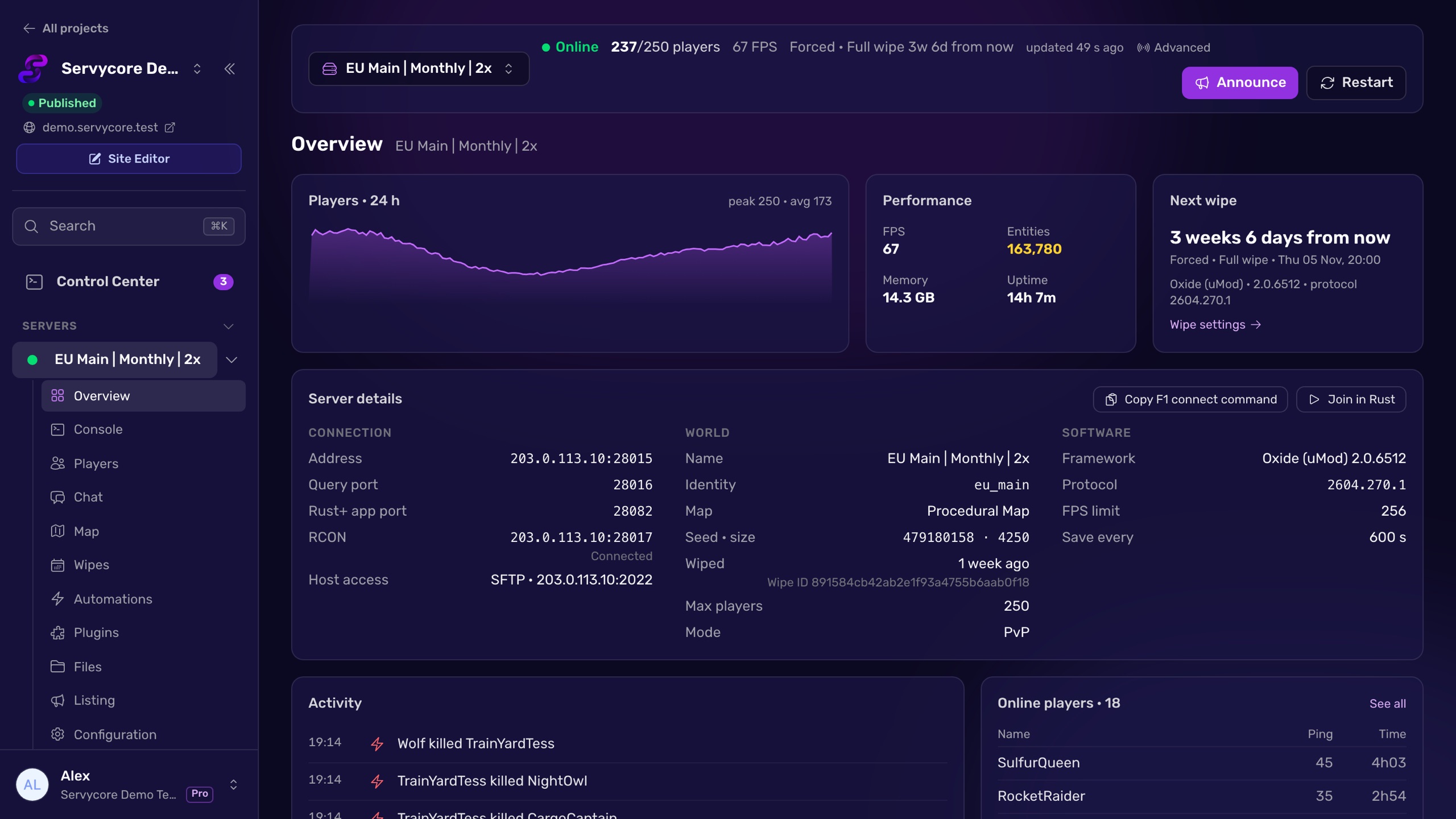
With Servycore, every server of your network reports its memory, FPS, entities and players every minute, with charts and history. You see how close you get to your limit before the end of the wipe, and your staff gets an alert on Discord if a server goes down.
Questions people ask
How much RAM does a Rust server need?
It depends mostly on the map size, the number of players, how long your wipes last and your plugins. A small map with a few players fits in 6 to 8 GB; a busy monthly server on a large map can need 20 GB or more. Pick your settings above to see where yours lands.
Why does my server use more memory at the end of a wipe?
Entities pile up as players build and loot: every block, box and deployable stays in memory until it decays or the map is wiped. Memory on wipe day is the lowest you will see.
Do plugins change the numbers?
Yes. Set how many plugins you run and what kind they are: a few light plugins barely show, while dozens of heavy ones add gigabytes.
Is my server's data used in this calculator?
No. It only uses the numbers you pick, in your browser; nothing is sent or stored.
With Servycore
See your own servers' memory
Servycore charts memory, FPS, entities and players for every server of your network, every minute, and alerts your staff on Discord when one goes down.
- What the Control Center does in the knowledge base
Read next
- Rust Server Status Checker Check if a Rust server is online: players, queue, map, last wipe, build and browser tags from Steam's server list. Free, no account.
- Rust Server Convars Rust server convars with defaults from the game's code: listing, map, gameplay, chat, RCON, saves and decay, and where each one belongs.
- How to schedule restarts on a Rust server What the Rust restart command really does, why your host must bring the server back, how to cancel one, and how to schedule a daily restart.