Rust Server Listing Builder
Write your server name, description and tags, see the listing players will read, and take away a ready server.cfg and startup line.
|
server.cfg
Startup line
Nothing you type leaves your browser: the RCON password is generated on your computer.
servycore.io/tools · Rust · rev. Oct 2026
What players see before they join
In the Rust server browser, a player decides in a few seconds. They see your server name, your tags (wipe rhythm, difficulty, region, style), the number of players, the map, and once they click, your description, your header image and your website link. Everything else is a guess until they load in.
The builder above shows that listing as you type, checks it against the limits Rust applies, and writes the two pieces your server needs: the server.cfg lines and the startup line.
A name that does its job
Rust server names are limited to 64 bytes. Emojis and accented letters take more than one byte each, so the counter above counts bytes, not letters.
The names that work tell a player three things before anything else:
- what kind of server it is: vanilla, 2x, 5x, modded, PvE, solo/duo/trio;
- when it wipes: monthly, weekly, biweekly, or the wipe day;
- where it is: EU, NA, OCE…
Keep the brand short and put it first. Many owners also put the last wipe date in the name after each wipe, so the listing looks fresh.
A description players actually read
The description holds up to 1,600 characters. Line breaks are kept: in server.cfg they are written as \n, which the builder does for you. Put the essentials at the top (rates, wipe schedule, team limit, rules in one line), then your links (Discord, website, store).
Browser tags: how Rust reads them
Tags are what players filter on, and Rust is strict with them:
- 4 tags at most: Rust keeps the first four it knows.
- One tag per group for wipe (
weekly,biweekly,monthly), difficulty (vanilla,hardcore,softcore) and region (eu,na,sa,wa,ea,oc,af): only the first of each group counts. - Style tags (
pve,roleplay,creative,minigame,training,battlefield,broyale,builds,tut,premium) can be combined, within the limit of 4. modded,oxideandcarbonare removed: Oxide and Carbon mark the server as modded on their own.pveis added for you whenserver.pveis on.
The server tags guide goes through every tag and what players filter on.
server.cfg or startup line?
A Rust server reads its settings from two places, and they are not interchangeable:
- The startup line sets what the server needs before it loads the world:
+server.identity,+server.port,+server.level,+server.seed,+server.worldsize,+rcon.port, and+rcon.password. The RCON password is only read from the startup line; an empty password, or the wordpassword, leaves RCON off. The map seed and size are not saved byserver.writecfg: the startup line always wins. server.cfg, inserver/<identity>/cfg/, holds the listing: name, description, website, images and tags. It is read at every start.
You can also change the listing live from the console or RCON (server.hostname "…"), but mind what survives a restart: server.writecfg only saves the settings Rust marks as saved, into serverauto.cfg. The tags and the images are among them; the name, description and website are not. Keep those in server.cfg.
The convars reference lists the other settings, their defaults and where they belong.
Change your listing without a restart
With Servycore, the listing has its own page in the Control Center: name, description, website, images and tags, with the same tag checks as this builder. Saving sends the settings to the server over RCON, so the change is live at once, without a restart. After each wipe, the Auto-wipe system can also put the wipe date in your server name for you.
Questions people ask
How long can a Rust server name be?
64 bytes. Plain letters and digits take one byte each, accented letters and emojis take more, so a name full of emojis reaches the limit sooner.
How do I add line breaks to my server description?
Write \n where you want a new line in server.cfg or in the server.description command. The builder converts the line breaks you type.
Why don't all my tags show in the server browser?
Rust keeps at most 4 tags, only one per group for wipe, difficulty and region, and removes modded, oxide and carbon. Check the warnings under the preview.
Where is server.cfg?
In server/<identity>/cfg/server.cfg, where <identity> is the value of +server.identity on your startup line. Rust reads it at every start. server.writecfg does not touch it: it writes the saved settings into serverauto.cfg, next to it.
Can I set the map seed in server.cfg?
Put it on the startup line instead, with +server.seed and +server.worldsize. The seed and size are not saved by server.writecfg, and the startup line wins.
With Servycore
Edit your listing from the panel
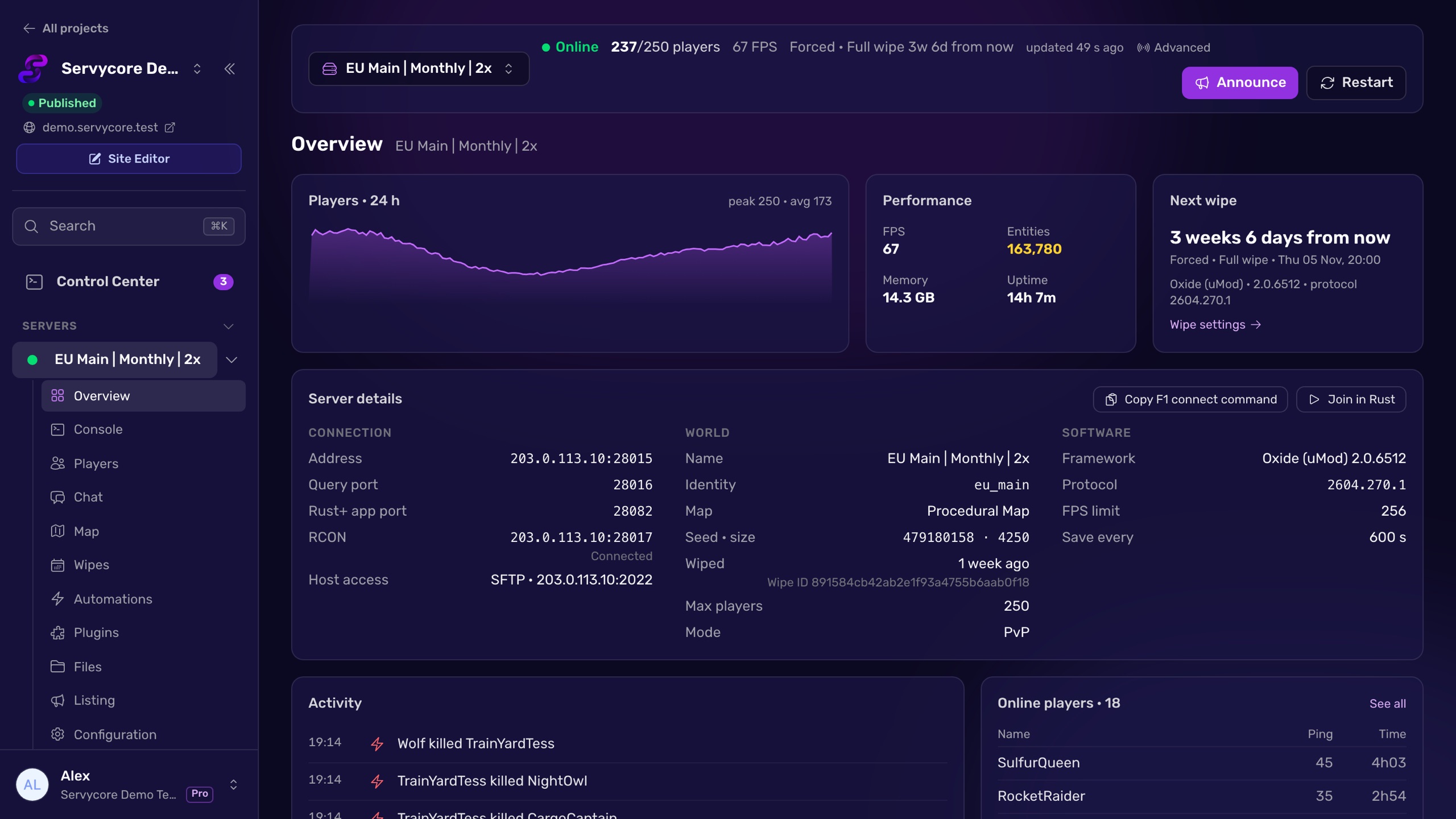
Servycore changes your server name, description, images and tags live over RCON, with the same tag checks as this builder. After each wipe it can put the wipe date in your server name for you.
- Server listing, map and growth in the knowledge base
- Connect your server with RCON in the knowledge base
Read next
- Rust server tags explained Every Rust server browser tag, and the rules Rust uses to keep them: four at most, one per group, in a fixed order that can drop your region.
- Rust Server Convars Rust server convars with defaults from the game's code: listing, map, gameplay, chat, RCON, saves and decay, and where each one belongs.
- How to use RCON on a Rust server Turn on Rust WebRCON, connect, and learn which admin commands work over RCON, plus the password and IP-ban rules that lock people out.