Rust server tags explained
Every Rust server browser tag, and the rules Rust uses to keep them: four at most, one per group, in a fixed order that can drop your region.
6 minute read, checked against Rust's own code. Updated .
Rust server tags are the short labels players filter by in the server browser: how often you wipe, how hard the server is, its region and its style. You set them with one convar, server.tags, as a comma-separated list. Rust then cleans the list up: it keeps at most four known tags, one per group, in a fixed order. Tags it does not know are dropped without a warning. This guide explains every tag and the rules that decide which ones survive.
How to set your tags
Set them in the server console, over RCON, or in server.cfg:
server.tags "biweekly,vanilla,EU"
server.writecfg
server.tags is a saved setting, so server.writecfg keeps it in server.cfg across restarts. To see what Rust actually kept, run server.tags with no value: it prints the cleaned-up list, which may differ from what you typed.
Every tag Rust knows
| Group | Tags | Meaning |
|---|---|---|
| Wipe | monthly, biweekly, weekly |
How often the map wipes |
| Difficulty | vanilla, hardcore, softcore |
The game mode feel |
| Style | roleplay, creative, minigame, training, battlefield, broyale, builds, tut |
Roleplay, creative / build servers, minigames, training (aim, PvP practice), battlefield, battle royale, builds, tutorial |
| Region | NA, SA, EU, WA, EA, OC, AF |
North America, South America, Europe, West Asia, East Asia, Oceania, Africa |
| PvE | pve |
Players cannot hurt each other |
Case does not matter when you type them: Rust lowercases your input, and writes the region codes back in capitals (eu becomes EU).
The rules Rust applies
Rust rebuilds your list every time server.tags is set, following these rules from its own code:
- Unknown tags are dropped. Anything not in the table above disappears, including
modded,oxideandcarbon: a server running Oxide or Carbon is already flagged by the framework itself. - One tag per group. If you put two wipe tags, Rust keeps one of them, and not necessarily the first you typed: it checks
monthly, thenbiweekly, thenweekly.weekly,monthlybecomesmonthly. The same goes for difficulty (vanilla, thenhardcore, thensoftcore) and region. - A fixed order. Rust walks the groups in this order: wipe, difficulty,
roleplay,creative,minigame,training,battlefield,broyale,builds, region,tut,pve. Your own order does not matter. - Four tags at most. Once four tags are kept, the rest are ignored.
pveonly when PvE is off. Ifserver.pveis on, the server already shows as PvE, so thepvetag is not added on top.
The trap: losing your region
Because region comes after the style tags, a full list can push it out. For example:
server.tags "weekly,vanilla,builds,minigame,EU"
keeps weekly,vanilla,minigame,builds: four tags before Rust even reaches EU. Players filtering by region will not see you. If your region matters (it usually does), keep at most one style tag.
Choosing your tags
- Always set a wipe tag. It is the first thing players filter on. Match it to your real schedule; the Rust Wipe Planner helps you pick a rhythm that fits around force wipes.
- Set your region. Players look for low ping first.
- Use
vanillaonly if you are. Gather rates, kits or teleports are not vanilla. - One style tag, if any, for a server that really is roleplay, creative, battlefield or the like.
The server listing builder applies the same rules as Rust while you pick your tags, and shows which ones will be dropped.
The rest of your listing
Tags are one part of how your server looks in the browser. The other settings that matter:
server.hostname: the name. Steam cuts it after 64 bytes, and accents or emojis take more than one byte each, so a name with emojis gets cut sooner than you think. Facepunch's server rules don't allow "official" in a community server's name.server.description: up to 1,600 characters.server.url: your website, shown as a link.server.headerimageandserver.logoimage: the banner and logo, as https links to images.
Unlike the seed and the size, these change live over RCON. To keep them after a restart, write them in server.cfg (or on the startup line): server.writecfg only saves the settings Rust marks as saved, such as the tags and the two images, not the name, description or website.
Community or modded
When Oxide or Carbon is installed, the framework lists your server as modded. Plugins that change gameplay (kits, teleports, higher gather rates) must stay modded under Facepunch's rules. Servers that only run admin, anti-cheat, skip-queue or chat-colour plugins can stay in the community list by setting "Modded": false in the framework's config.
With Servycore
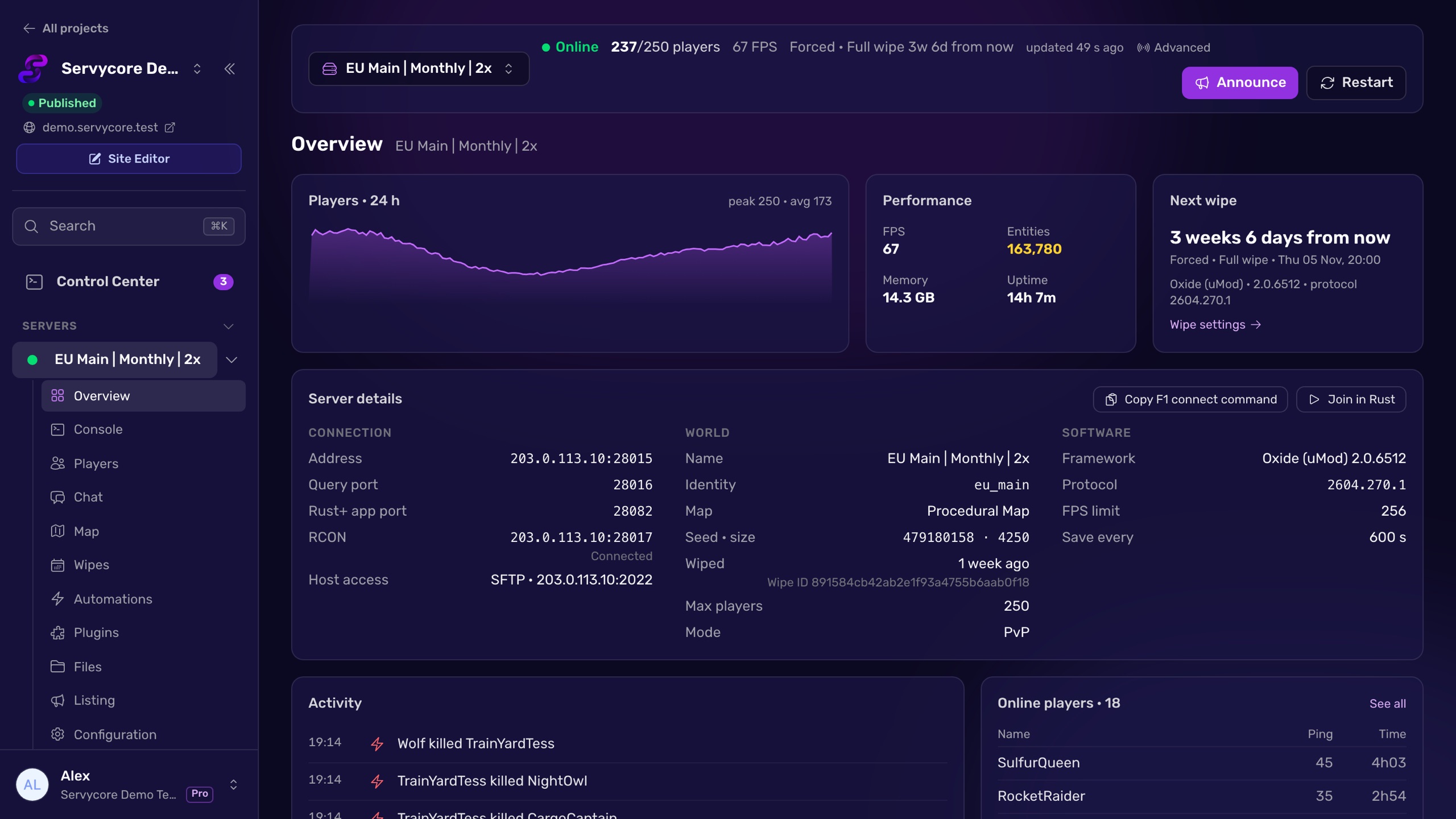
The Listing page of a server in Servycore edits the name, description, website, header image, logo and tags over RCON, with a live preview. It applies Rust's tag rules as you pick (one per group, four at most, unknown tags flagged), counts the name in bytes like Steam does, and warns about "official" in the name. One click copies the listing to your other servers, so a whole network stays consistent.
Questions people ask
Why did Rust remove some of my server tags?
Rust only keeps known tags, one per group, four at most, in a fixed order. Unknown tags (like modded or oxide), a second tag of the same group, and anything after the fourth are dropped. Run server.tags to see what was kept.
How many tags can a Rust server have?
Four. Rust stops adding tags once four are kept, walking the groups in a fixed order: wipe, difficulty, style tags, region, tut, pve.
Why is my region tag not showing?
Your list probably had four tags before Rust reached the region group. Style tags come before region, so drop a style tag and set the region again.
Should I add a modded tag?
No, it does not exist. Oxide and Carbon flag the server as modded on their own, and Rust drops modded, oxide and carbon from server.tags.
Are server tags case sensitive?
No. Rust lowercases what you type, then writes region codes in capitals: eu, Eu and EU all end up as EU.
Do my tags survive a restart?
Yes, once saved: run server.writecfg after setting them, or put the line in server.cfg.
With Servycore
Edit your listing from the panel
Servycore edits your server name, description, images and tags over RCON with a live preview, applies Rust's tag rules as you pick, and copies the listing to every server of your network.
- Server listing, map and growth in the knowledge base
Read next
- Rust Server Listing Builder Preview your Rust server listing as you type: name, description, browser tags and header image, checked against Rust's limits, with server.cfg and startup line.
- Rust Server Convars Rust server convars with defaults from the game's code: listing, map, gameplay, chat, RCON, saves and decay, and where each one belongs.
- How to wipe a Rust server Map, blueprint or full wipe: the exact files to delete in server/<identity>/, the ones to keep, and how to handle force wipe day step by step.