How to handle F7 reports on a Rust server
Where Rust F7 player reports go, how to read them, check a reported player with the combat log, and turn reports into kicks, mutes or bans.
5 minute read, checked against Rust's own code. Updated .
When a player presses F7 in Rust and reports someone, the report goes to your server's console as a [PlayerReport] line: who reported whom, and the subject they chose. There is no built-in inbox. To handle reports you need to catch those lines, group them by reported player, check the evidence, then kick, mute or ban. This guide shows how to do it by hand, and what to watch out for.
What an F7 report looks like
On current builds, every player report is written to the server console, whatever the server.printReportsToConsole setting says:
[PlayerReport] Sam[<reporter SteamID64>] reported Alex[76561197960287930] - "Cheating"
The line holds three things you need: the reporter (name and SteamID), the reported player (name and SteamID) and the subject picked in the F7 menu. Anyone connected to the console or to RCON sees these lines as they come in.
What server.reportsServerEndpoint does (and does not)
Rust has a setting called server.reportsServerEndpoint, described as an endpoint "for receiving F7 reports", with an optional server.reportsServerEndpointKey. In the code we checked, that endpoint is fed by the feedback reports of the F7 menu (bugs, ideas, general feedback), not by the reports against players. Do not count on it to collect cheater reports: read the console instead.
A simple routine for staff
1. Collect reports per player, not per line
One cheater can get ten reports in five minutes; ten different players each reported once is a very different story. Keep a running list per reported SteamID: how many reports, from how many different reporters, the subjects, and when the last one came in. A spreadsheet works for a small server. Count distinct reporters, not lines: a single angry player pressing F7 again and again is noise.
2. Look at the evidence
- The combat log:
combatlog <SteamID64>prints the recent hits involving a player: who hit whom, with which weapon and from how far. It only works while the player is online or sleeping on the server (otherwise Rust answers "invalid player"), and Rust hides the hits of the last few seconds (server.combatlogdelay). - Where the player is:
statuslists connected players with their SteamID, andplayerlistposgives their positions. - Watching them: an admin in game can spectate from the F1 console.
- History: has this SteamID been reported before, on this server or another one of yours? Has the player been kicked or muted already?
3. Act, then write it down
- Kick (
kick <player> "<reason>") for a warning; they can come straight back. - Mute (
mute <player>) for chat abuse; it lasts until youunmute. - Ban (
ban, orbanid+server.writecfgfor a player who left) for cheating; see how to ban a player on a Rust server.
Whatever you decide, mark the reports as handled and note why. The next moderator who sees the same name needs to know it was already looked at, and what the outcome was.
Common mistakes
- Banning on report count alone. Good players get reported too, especially after a raid. Reports tell you where to look, not what to decide.
- Losing reports in the console scroll. The console moves fast on a busy server, and a report typed at 3 a.m. is gone by morning unless something keeps it.
- Handling the same player twice. Without a shared list, two moderators can spend an hour on the same suspect, or worse, one lifts what the other did.
- Forgetting the family-share account. A
banalso bans the owner of the licence when the cheater played on a shared copy. A kick does not.
Reports across several servers
On a network, the same cheater often moves from server to server. Reports then sit in several consoles, and a ban on one server does nothing on the others. Keep one list for the whole network, and use a central ban list (server.bansServerEndpoint) so one decision applies everywhere. Our ban guide explains how it works.
With Servycore
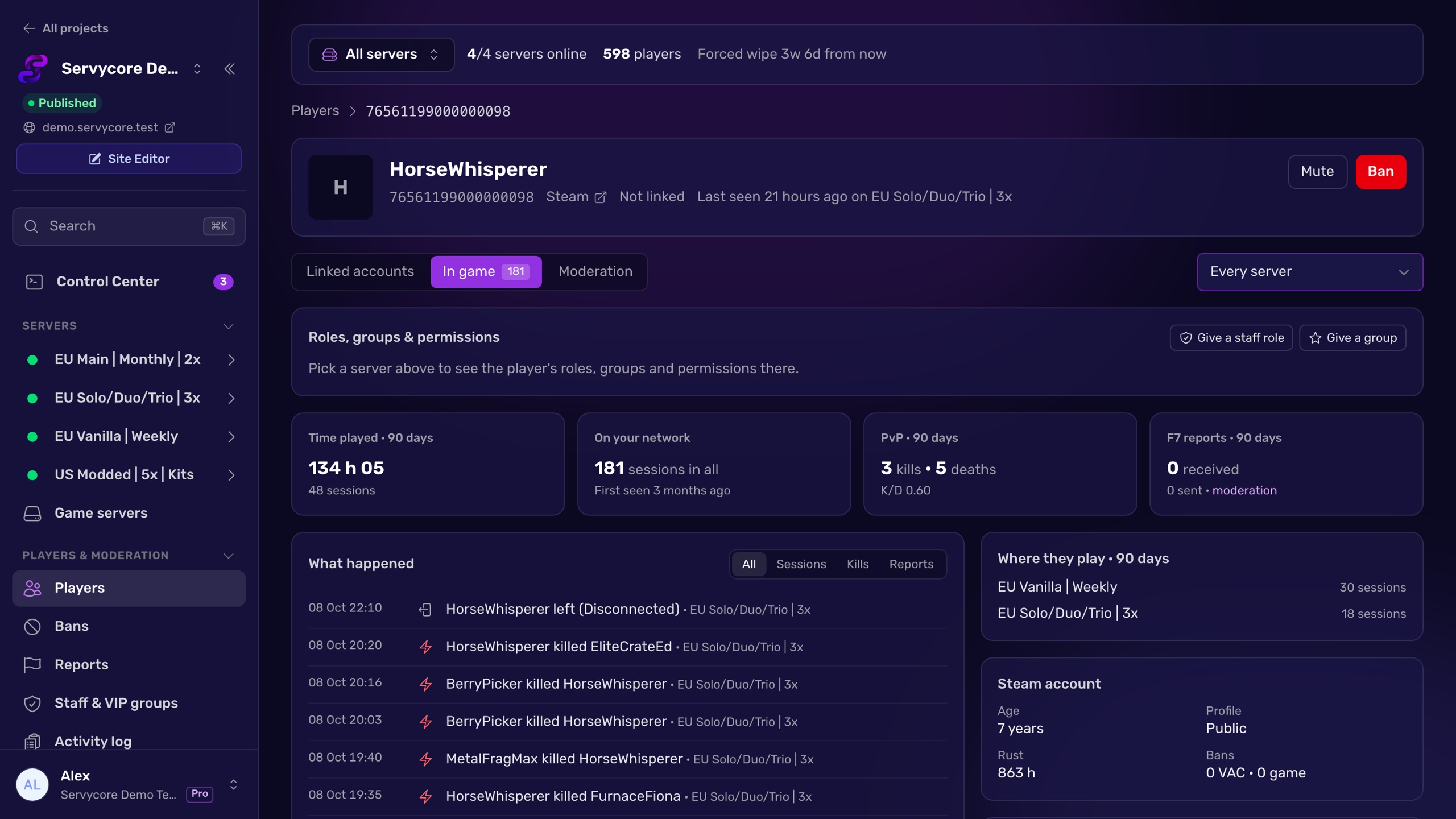
Servycore reads the [PlayerReport] lines of every server of your network and turns them into a reports inbox: one row per reported player, with the number of reports, how many different players reported them, the subjects, when the last one came in and whether the player is online right now. From the inbox, your staff opens the player's profile (playtime, sessions, earlier reports, combat log), kicks, mutes or bans them on one server or the whole network, and marks the reports as handled for everyone. The sidebar shows how many players have open reports, and a Discord alert can post each report in your staff channel as it arrives.
Questions people ask
Where do F7 reports go on a Rust server?
To the server console, as [PlayerReport] reporter reported target - "subject" lines. Anyone watching the console or connected over RCON sees them; Rust keeps no inbox of its own.
Can I get F7 reports on Discord?
Not with vanilla Rust. You need a tool connected to the console or RCON that watches for [PlayerReport] lines and posts them to a Discord webhook. Servycore does this through its moderation alerts.
What does server.reportsServerEndpoint receive?
In the code we checked, the feedback reports of the F7 menu (bugs, ideas), not the reports against players. Read the console for player reports.
How do I check if a reported player is cheating?
Start with combatlog <SteamID64> while they are online, look at their position and recent kills, spectate them from F1 if you are in game, and check whether other players reported them independently. Act on evidence, not on the number of reports.
Should I ban a player after a number of reports?
No automatic ban on report count alone: reports are often a reaction to losing a fight. Use them to decide who to watch first, then decide on what you see.
With Servycore
Every F7 report in one inbox
Servycore collects the reports of all your Rust servers, one row per reported player, with the number of reporters, the subjects and the combat log, then lets your staff kick, mute or ban in one click.
- Players and moderation in the knowledge base
Read next
- How to ban a player on a Rust server Ban, temp-ban and unban players on Rust with ban, banid and server.writecfg, and block banned players on every server with a central ban list.
- Rust Admin Commands Rust admin and RCON commands with syntax, examples and which ones work over RCON, checked against Rust's own code. Players, bans, staff, server, Oxide and Carbon.
- How to use RCON on a Rust server Turn on Rust WebRCON, connect, and learn which admin commands work over RCON, plus the password and IP-ban rules that lock people out.