How to give VIP on a Rust server
Create a VIP group in Oxide or Carbon, give it plugin permissions and add players with usergroup add, on every server, without the usual traps.
5 minute read, checked against Rust's own code. Updated .
Vanilla Rust has no VIP rank. On a Rust server, "VIP" means a group in Oxide or Carbon that holds plugin permissions (a kit, a shorter cooldown, a skin, a teleport). To give VIP, create the group once, grant it the permissions your plugins offer, then add each player with oxide.usergroup add <SteamID64> vip (Oxide) or c.usergroup add <SteamID64> vip (Carbon).
Before you start
- Your server needs Oxide or Carbon. Groups and permissions belong to the modding framework, not to Rust. A vanilla server can only offer skip queue (see below).
- Use the prefix of your framework:
oxide.on Oxide,c.on Carbon. Carbon does not accept the Oxide spelling of these commands. Not sure which one runs on your server? See Oxide vs Carbon. - Have the player's SteamID64 (17 digits, starting with 7656119). The SteamID converter turns any other format into it.
Step 1: create the VIP group
oxide.group add vip
c.group add vip
Run the line of your framework, once per server. The group name is up to you (vip, vip-plus, supporter…). Keep it short, lowercase, without spaces.
Step 2: give the group its permissions
Each plugin lists the permissions it understands in its documentation or config. Grant the ones VIPs should get:
oxide.grant group vip <permission>
c.grant group vip <permission>
Repeat for every permission, and take one away with revoke instead of grant. To check what a group holds:
oxide.show group vip
c.show group vip
show groups lists every group of the server, and show perms every permission your plugins registered. Installing the plugins themselves is covered in how to install plugins on a Rust server.
Step 3: add players to the group
oxide.usergroup add 76561197960287930 vip
c.usergroup add 76561197960287930 vip
And to take VIP away:
oxide.usergroup remove 76561197960287930 vip
c.usergroup remove 76561197960287930 vip
The change applies at once, no restart needed.
The traps
Carbon refuses players who never joined
Carbon answers "Couldn't find that player." to c.usergroup add for a SteamID that never connected to that server. If someone buys VIP before their first visit, or you open a new server, add them after they join once. Oxide can answer "Player … not found" in the same situation.
"Group doesn't exist"
Oxide answers "Group 'vip' doesn't exist" and Carbon "Group 'vip' could not be found." when the group was never created on that server. Each server has its own groups: create the group and its permissions on every server of your network, or VIPs will only have their perks on some of them.
VIP never ends on its own
usergroup add has no end date. A player who bought 30 days of VIP keeps it until someone runs usergroup remove. If you sell or give timed VIP, keep a list of who expires when, and check it every day.
A vanilla perk: skip queue
Without Oxide or Carbon, the one perk Rust offers is skipping the queue:
skipqueueid 76561197960287930
removeskipqueue 76561197960287930
server.writecfg
Rust keeps a single role per SteamID, so skipqueueid does nothing for an owner or a moderator (they already skip the queue) and is refused for a player on the server's ban list.
Giving VIP to many players
Typing usergroup add by hand works for a handful of supporters. It breaks down when VIP comes from a store, a vote reward or a trial week, on several servers, with an end date for each player. That is where tooling earns its keep: one place that knows who is VIP, until when, and on which servers.
With Servycore
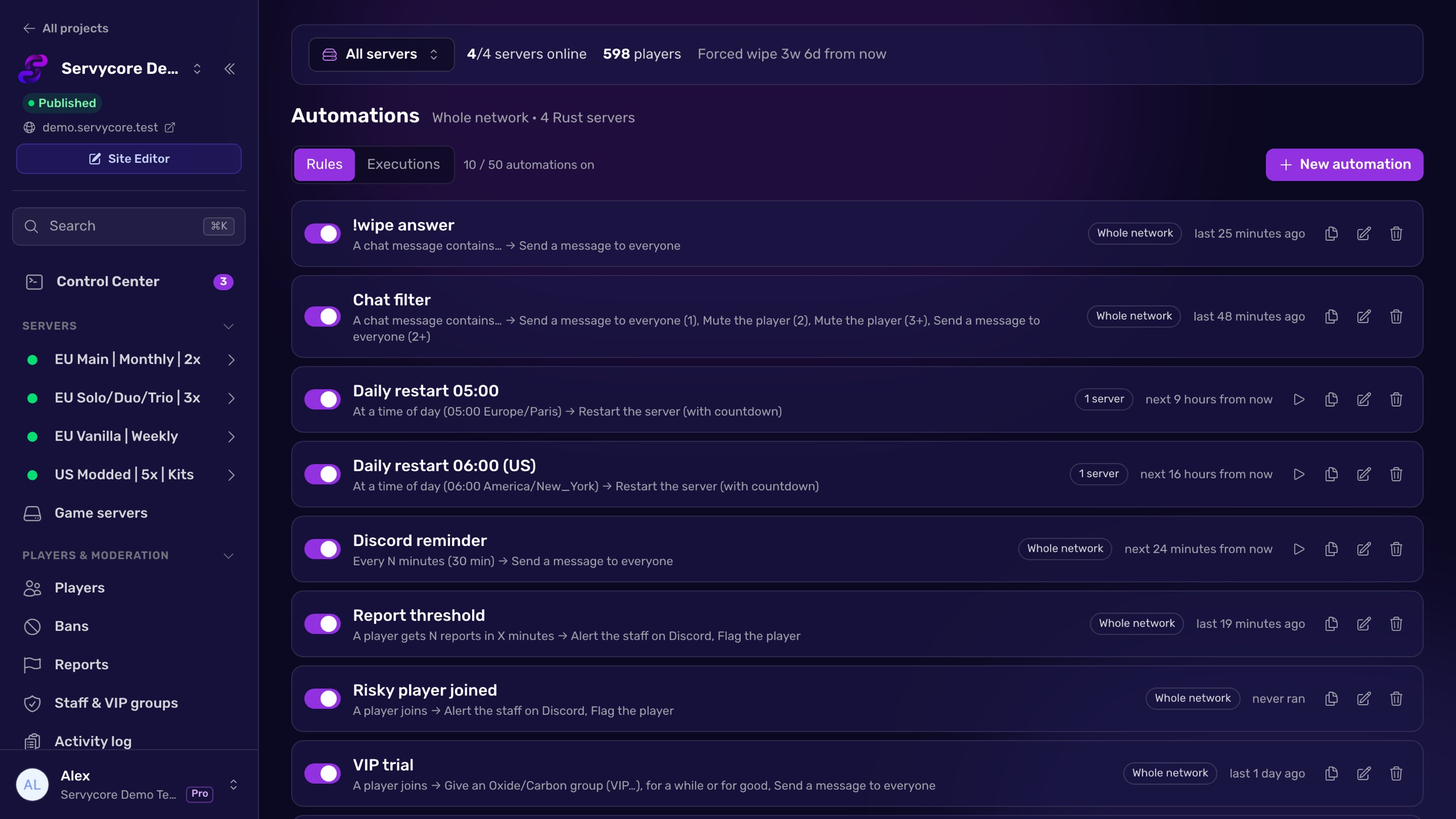
Servycore gives a group on every server of your network, or on the servers you pick, with an end date: a week, a month, or no end. It uses the right prefix for each server's framework, waits for players who have not joined a server yet and applies the group at their first connection, and removes the group by itself when it ends. Giving the same group again extends it instead of stacking a second one. If the group is missing on a server, Servycore tells you and creates it in one click. Each group can also give a Discord role, added and removed with the group, and automations can hand out VIP for votes or trial weeks.
Questions people ask
How do I make someone VIP on a Rust server?
Create a group (oxide.group add vip or c.group add vip), grant it your plugins' permissions (oxide.grant group vip <permission>), then add the player: oxide.usergroup add <SteamID64> vip or c.usergroup add <SteamID64> vip.
Why does Carbon say "Couldn't find that player."?
Carbon only adds players it has already seen on that server. Wait until the player joins once, then run c.usergroup add again.
Can I give VIP without Oxide or Carbon?
Only skip queue: skipqueueid <SteamID64> then server.writecfg. Kits, teleports and other perks come from plugins, which need Oxide or Carbon.
How do I remove VIP when it expires?
Run oxide.usergroup remove <SteamID64> vip or c.usergroup remove <SteamID64> vip on every server. Rust and the frameworks do not remove it for you, so keep track of end dates, or let a tool like Servycore do it.
Do VIP groups carry over between my servers?
No. Each server has its own groups, permissions and members. Create the group and add the player on every server where VIP should work.
With Servycore
Timed VIP that ends on its own
Servycore gives Oxide or Carbon groups on every server with an end date, waits for players who have not joined yet, removes the group when it ends and keeps the matching Discord role in sync.
- Staff, groups and permissions in the knowledge base
- Automations in the knowledge base
Read next
- Oxide vs Carbon: which Rust modding framework? Oxide (uMod) and Carbon compared for Rust server owners: commands, folders, admin groups, plugin compatibility and how to switch between them.
- How to install plugins on a Rust server Install Oxide or Carbon plugins on your Rust server: the folders, loading and reloading, configs, permissions, updates and removal, step by step.
- SteamID Converter Convert a SteamID64, STEAM_0:X:Y, [U:1:N] or Steam profile link into every other format. Free, instant, no Steam API call.
- How to add an admin on a Rust server Make a player owner or moderator on your Rust server with ownerid and moderatorid, save it with server.writecfg, and avoid the traps.