How to change the map on a Rust server
Set a new seed and size or a custom map URL where Rust actually reads them, avoid loading an old save, and check the new map is live.
7 minute read, checked against Rust's own code. Updated .
To change the map of a Rust server, set a new server.seed and server.worldsize on the server's startup line (or a new server.levelurl for a custom map), then restart the server with a map wipe. These settings are read when Rust starts: typing them in the console of a running server, or saving them in server.cfg, does not give you a new map. Here is where each setting goes, how custom maps work, and how to check the result.
Procedural maps: seed and size
Most servers run Rust's procedural map, generated from two numbers:
server.seed: any whole number. Each seed gives a different layout of land, rivers, roads and monuments. Rust's default is1337.server.worldsize: the width and height of the world in metres. Rust's default is4500. Smaller worlds feel busier; larger ones give more room and take longer to generate.
server.level stays on Procedural Map, its default.
On the same version of Rust, the same seed and size give the same map, so you can share a map by sharing its two numbers. Map sites such as RustMaps show a procedural map from its size and seed before you use it (https://rustmaps.com/map/<size>_<seed>).
Where to set the seed and size
Set them on the startup line, not in server.cfg:
RustDedicated -batchmode +server.seed 12345 +server.worldsize 3500 +server.identity "my_server"
Rust does not save the seed and the size with server.writecfg, and the startup line wins over anything else. If your host gives you a panel instead of a startup line, look for its map settings: Pterodactyl-style panels for Rust usually expose them as startup variables named WORLD_SEED and WORLD_SIZE (and MAP_URL for a custom map). Change them there, then restart.
Changing server.seed in the console of a running server changes nothing on the map: the world is already loaded.
Custom maps
A custom map is a .map file made with a map editor. Rust downloads it at startup from the address in server.levelurl:
+server.levelurl "https://example.com/maps/my-map.map"
A few rules make custom maps reliable:
- Host the file on a direct https link that the server and every player can download. Players download the map when they join, so a slow host means a slow first join.
- Give the file a new name for each wipe. Rust names the save after the map file, so reusing the same file name can load the old save on top of your "new" map. A date in the file name (
my-map-20261105.map) avoids it. - Wipe when you change it. A new map always goes with a map wipe (see below).
You may notice that server.levelurl is filled even on a procedural server, with a link to files.facepunch.com. That is normal: with server.autouploadmap on (the default), Rust uploads the generated map so players download it instead of generating it themselves. Only a levelurl pointing somewhere else is a custom map.
Always pair a new map with a map wipe
A new map is a new world: buildings, loot and positions from the old one make no sense on it. So a map change goes with at least a map wipe:
- Warn your players and run
server.save. - Stop the server from your host panel.
- Delete the world files in
server/<identity>/:*.sav,*.sav.*,player.states.*.db*,sv.files.*.db*,nexus.*.db*,proceduralmap.*.mapand*_occlusion_*.dat. Never delete thecfgfolder orplayer.tokens.db. - Set the new seed and size (or the new map URL) on the startup line or in your panel.
- Start the server and let it generate or download the map.
The wipe guide lists the extra files of a blueprint or full wipe.
Check that the new map is live
Once the server is back, ask it over RCON or in the console:
server.seedandserver.worldsizeprint the values in use.server.levelurlprints the custom map address (or Facepunch's copy of a procedural map).server.printwipeidprints the id of the world. It changes at every wipe and stays the same across restarts, so a new id confirms a new world.
To get a picture of the map, world.rendermap <scale> writes a PNG named map_<size>_<seed>.png next to the server. Rust adds a 500-pixel ocean border on each side, so the image is larger than the scale suggests: keep the scale low on big maps.
Rotating maps
Players like a new map each wipe. A simple rotation is a list of seed and size pairs used in turn, with a custom map now and then. Keep the list somewhere your staff can see, and change the startup values before each wipe.
The Rust Wipe Planner helps you see which wipe comes next, and the server listing builder writes your name, description and tags so players know what they are joining.
With Servycore
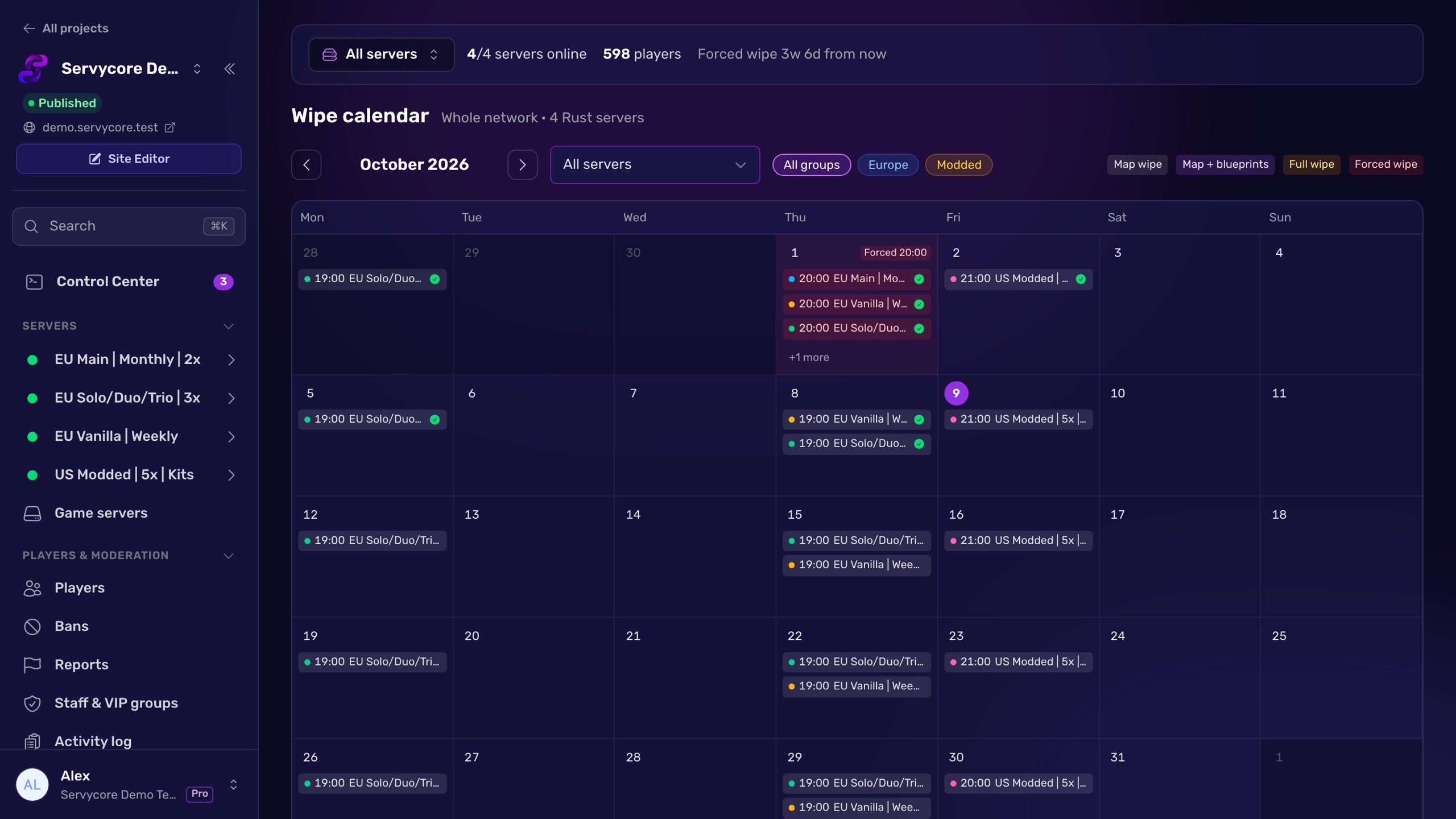
Servycore's Auto-wipe system changes the map for you on each wipe. In the Map tab of a server you choose:
- Keep the current map,
- Random seed within the sizes you allow,
- Rotation: up to 50 maps, each a seed and size or a custom URL, used in turn, with the current and the next map shown side by side,
- Custom map URL, where
{date}is replaced by the wipe date so every wipe downloads a new file.
On wipe day it writes the new values into your Pterodactyl, Pelican or WISP startup variables, wipes, starts the server and checks that the world changed. Each procedural map gets a "View on RustMaps" link, and your Discord announcement can show the new map.
Questions people ask
How do I change the map size on my Rust server?
Set +server.worldsize on the startup line, or the size variable of your host panel, then restart with a map wipe. Changing it in the console of a running server does nothing to the current world.
Why did my map not change after I set a new seed?
Either the seed was set somewhere Rust does not read at startup (the console, server.cfg), or your panel's startup values still hold the old seed. Check what the server uses with server.seed over RCON after a restart.
Can I put the seed in server.cfg?
It is not where Rust takes it from: server.writecfg does not save the seed or the size, and the startup line wins. Keep them on the startup line or in your panel's startup variables.
What is server.levelurl on a procedural map?
A copy of your generated map hosted by Facepunch, so players download it instead of generating it. It appears because server.autouploadmap is on by default. Only a levelurl hosted elsewhere is a custom map.
Do I have to wipe when I change the map?
Yes. A new map is a new world, so delete the world save and player states with it. Blueprints can stay: a map wipe keeps them.
How do I preview a seed before using it?
Map sites such as RustMaps render a procedural map from its size and seed, at https://rustmaps.com/map/<size>_<seed>. On the same Rust version, a seed and size give the same map on any server.
With Servycore
A new map every wipe, on its own
Pick a random seed, a rotation of up to 50 maps or a custom URL. Servycore writes it into your panel on wipe day, wipes, restarts and checks the world changed.
- How the Auto-wipe system works in the knowledge base
Read next
- How to wipe a Rust server Map, blueprint or full wipe: the exact files to delete in server/<identity>/, the ones to keep, and how to handle force wipe day step by step.
- Rust Wipe Planner Countdown to the next Rust force wipe in your time zone, your weekly or biweekly wipe days planned around it, and a calendar file for both.
- Rust Server Listing Builder Preview your Rust server listing as you type: name, description, browser tags and header image, checked against Rust's limits, with server.cfg and startup line.