Why You Need to Back Up Your Game Server
If you run a game server, you've probably already lost data at least once. A bad update, a corrupted save, a hosting provider that went down. It happens to everyone, and most admins only start thinking about backups after it's too late.
The problem is simple: your world data, your configs, your plugin settings, all of that can disappear in seconds. And if you don't have a backup, you're starting from scratch.
The Panel Backup Button Isn't Enough
Most game panels like Pterodactyl have a backup feature built in. It works, but it stores your backups on the same machine as your server. If the host goes down or the disk dies, your backups go with it. On top of that, retention is usually limited to 2 or 3 snapshots, which isn't great if a corruption goes unnoticed for a couple of days.
If you want to dig deeper into why panel backups fall short, this article explains it well.
What You Actually Need
A real backup strategy means your data is stored somewhere else, on a different machine, ideally in a different location entirely. It needs to run automatically because if it depends on you remembering to do it, it won't happen. And you need multiple versions so you can roll back to the right point in time, not just the latest snapshot.
You could set this up yourself with cron jobs and rsync scripts, but that takes time to configure and breaks silently when something changes on your server.
Use Pink Narwhal
Pink Narwhal is built specifically for game server backups. It connects to your server via SFTP or your hosting panel, runs automated backups on a schedule you choose, and stores everything off-site with configurable retention. It knows which files matter for each game, so it backs up your saves, configs, and plugin data without wasting space on engine binaries.
Setup takes a few minutes and after that it just works. If you ever need to restore, everything is there.
If you run a Rust server, they have a dedicated guide for that. For a broader look at backup strategies, check out their best practices article.
Bottom Line
Don't wait until you lose data. Set up proper backups now, and use a service that handles it for you so you can focus on running your server.
On wipe day, take one before deleting anything: our guide How to wipe a Rust server lists the files a wipe deletes and the ones to keep.
With Servycore
Run your Rust servers from one panel
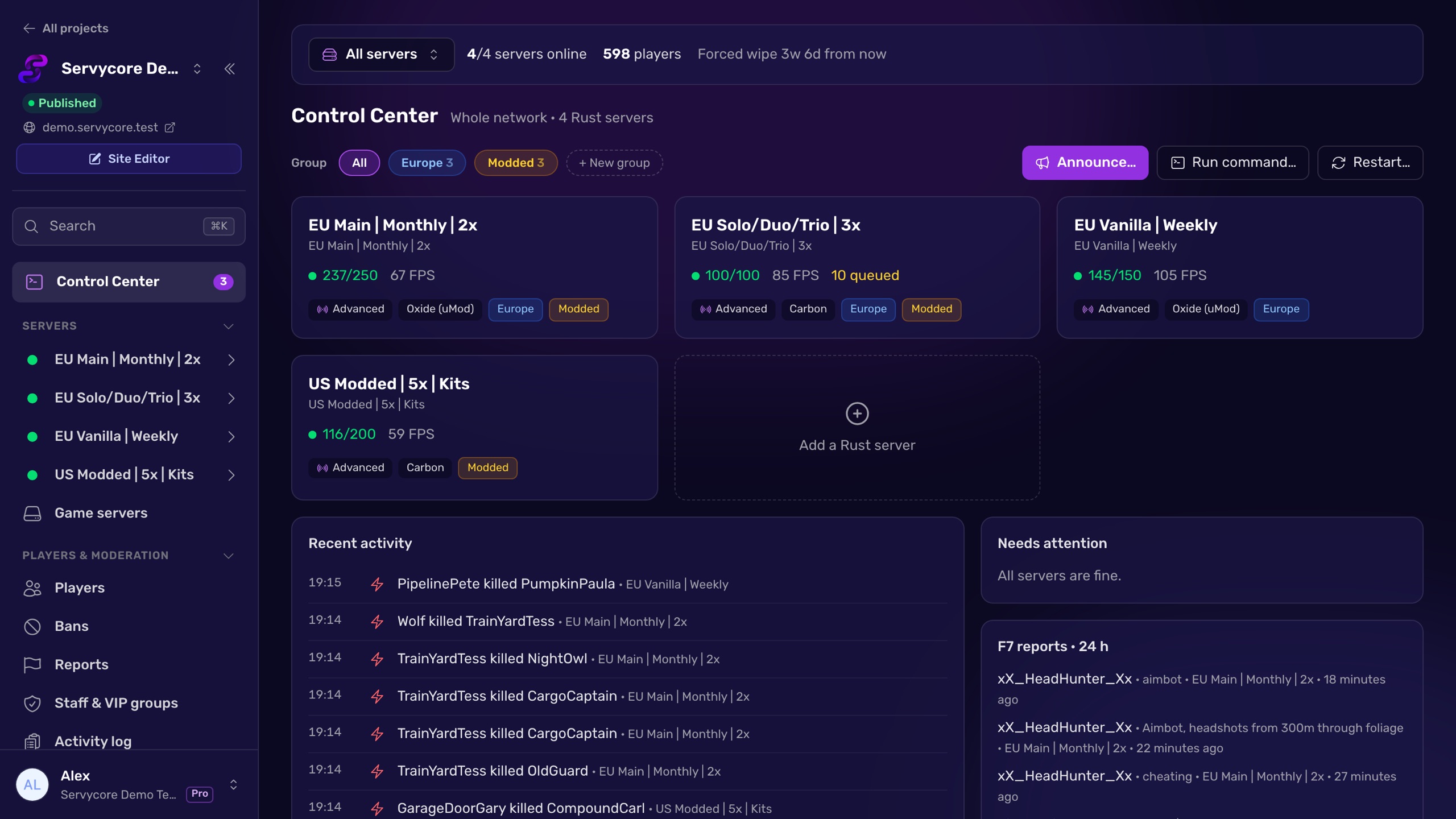
Servycore connects to your server with its RCON password and runs your wipes, bans, automations, plugins and Discord alerts, with your community website built in.
Read next
-
Introducing the In-game UI for Rust Design the Rust in-game UI your players open with /info, /store or /kit in your panel and publish it live: wipes, account linking, store, kits, leaderboard and your own pages, free in every plan.
-
Manage your servers by talking to an AI The AI Connector (MCP) lets Claude, ChatGPT, Cursor or any MCP assistant run your Servycore panel with your rights: 63 tools for servers, players, plugins, tickets and the blog, plus 35 new API endpoints with no breaking change.
-
Introducing the Rust Control Center Servycore now manages your Rust servers too: console, players, network bans, the auto-wipe system, automations, plugins and files, plus account linking that catches up, new website blocks and simpler plans.